 RetroFold
 Focus session
15 minutes or longer,
then it lets go
Screen Time on iOS, an accessibility service on Android — over the apps you choose.
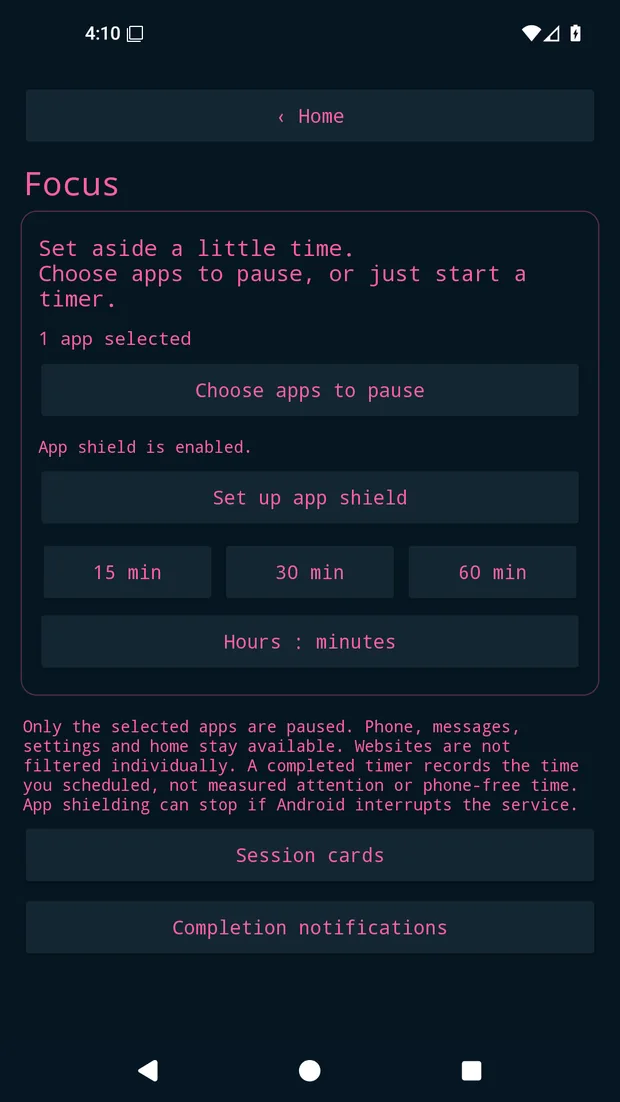
A dumbphone for as long as you choose. It lets go by itself when time is up.
 Digital detox
 Study focus
 Free, no subscription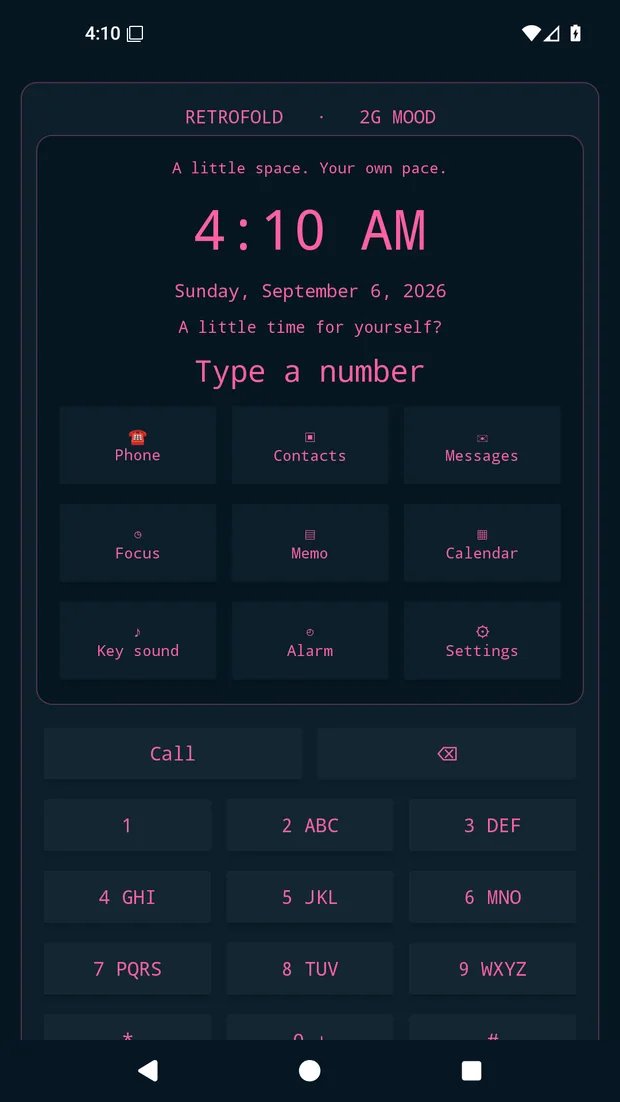
Digital detox
Focus session
Screen Time on iOS, an accessibility service on Android — over the apps you choose.
 Completion card
A retro card for every completed session. Share it only if you want to.
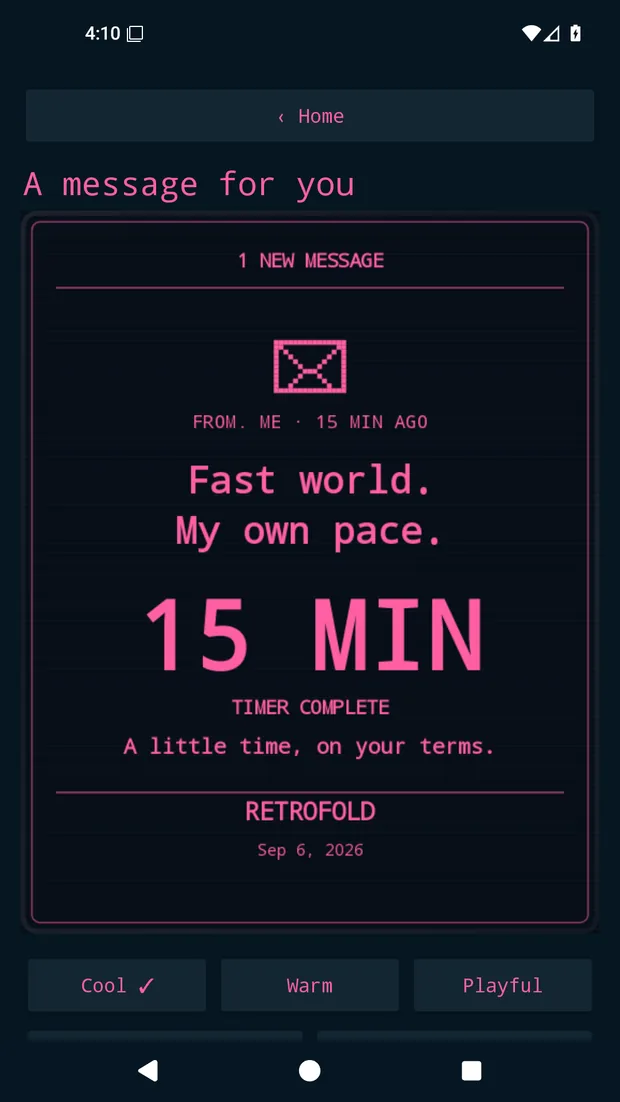
Hot pink or white

Whole categories or single apps
In 15-minute steps
Shields lift by themselves
FreeNo subscription, ads or account15 min to 12 h 45 minSession length Calls stay openEmergency access too
 Lets go by itselfWhen time is up
 On your deviceNever reads your screenOn AndroidiPhone in preparation
 What it does well
 Where it stops
You set a duration and start a session; the apps and categories you picked are shielded for that time. iOS uses Apple Screen Time, Android uses an accessibility service you enable. The shields lift automatically when the timer ends.
That is the most common use. Set a 45-minute or one-hour session for a study block; during it your phone becomes a flip phone with a clock and calls.
No. RetroFold turns the phone you already own into a dumbphone for the length you choose. If you are weighing a real feature phone, see the guide ‘Dumbphone, or a focus app?’.
It releases itself when time is up. If you need to stop sooner, you can end the session through a confirmation step — it is a deliberate break, not a lock you cannot escape.
Yes. Calls and emergency features stay available, and RetroFold itself still works as a clock, note, calendar and alarm.
It is free. There is no subscription, no in-app purchase, no ads and no account.
It is on Google Play today, and the iPhone build is in preparation. The App Store link opens on this page as soon as it is available.
No account. Records stay on your device, and the app never reads your screen.
Privacy policy · Support · Android privacy policy · Android support · emotionography@my-emo.com