 Moa
Moa

 Documents
Documents,
not folders
Screenshots on one topic become one document, every sentence linked to its source.
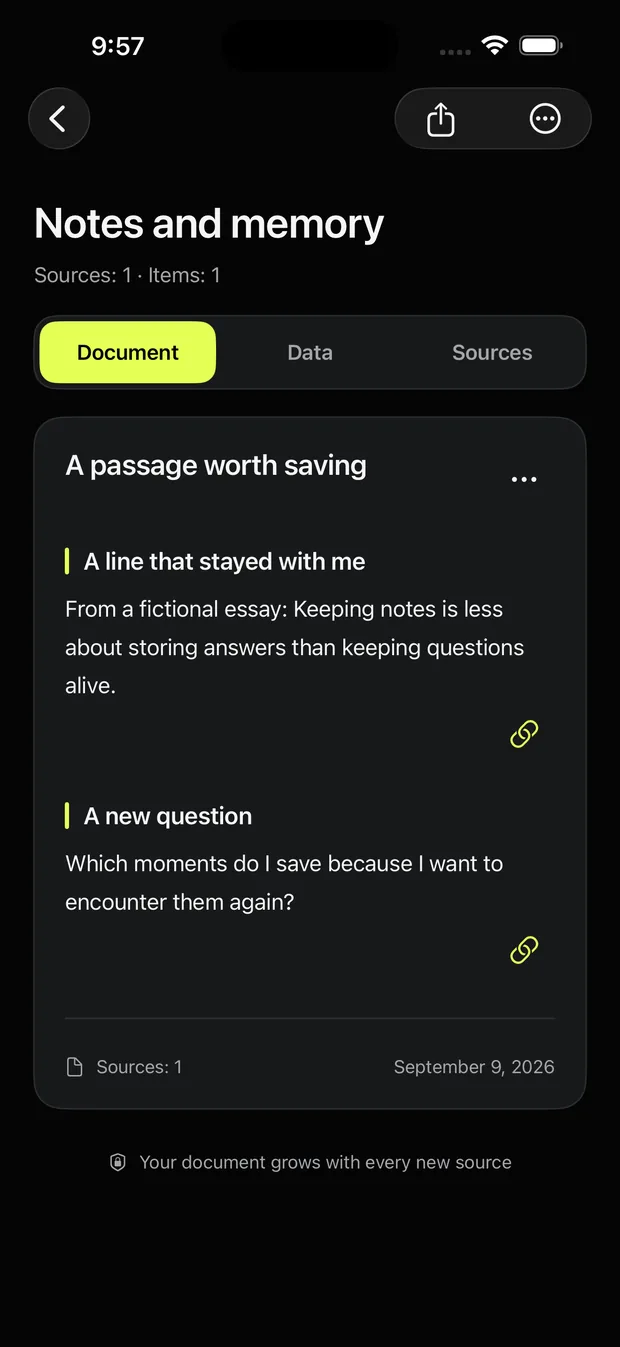
Moa pulls the text out of your screenshots and files them into documents by topic.
 Extract text
 Organized by topic
 Processed on device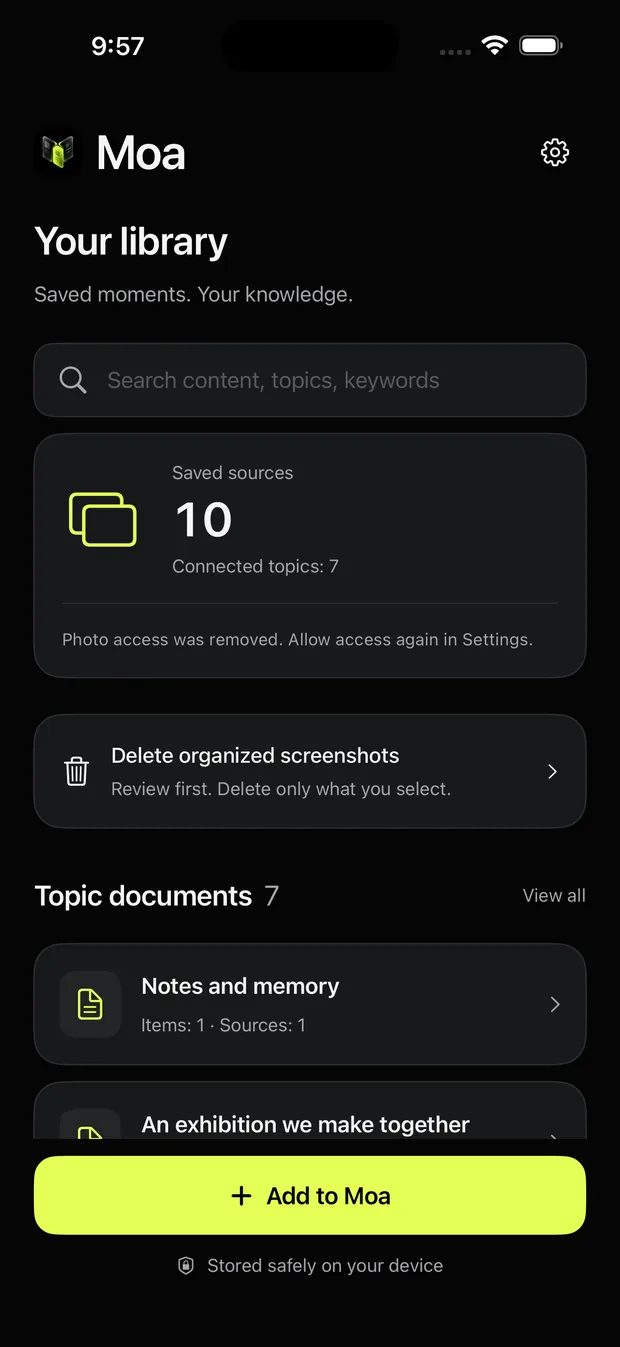

Screenshots
Documents
Screenshots on one topic become one document, every sentence linked to its source.
Text extraction
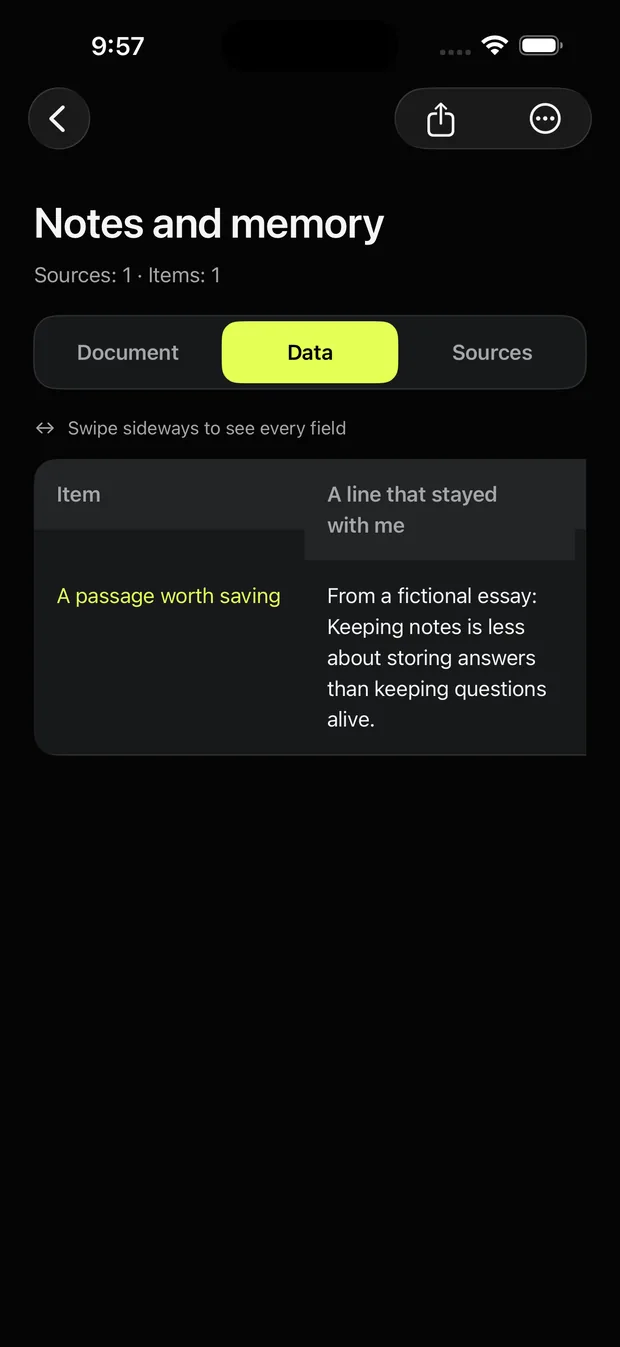
Links open again. Export as Markdown, CSV or JSON.
Starts with the latest 100
Document, Data and Sources

Nothing is automatic

Markdown, CSV, JSON
 First 3 freeThen a monthly planOn your deviceNo outside AI server
 On-device AIiOS 26 + Apple IntelligenceMarkdown, CSV, JSONFull backup tooNo auto-deleteOnly what you pick
 iPhone onlyiOS 17 or later
 What it does well
 Where it stops
Moa reads your latest 100 screenshots and connects the ones on the same topic into a single document. Older screenshots can be added 100 at a time, and new ones join automatically.
Yes. Recognized text moves into the document and data views, and web addresses found in the image become tappable links. Extraction happens on the device.
Photo cleaners reduce duplicates and storage. Moa reads the content of your screenshots, turns it into searchable documents by topic, and only deletes images you review and pick.
No. Nothing is deleted automatically. You review the organized content and the stored copies, then delete only the photos you pick, after an iOS confirmation.
No. Screenshots, extracted text and organized results are stored only on your iPhone and are never sent to an external AI server.
The first three screenshots are free. A monthly subscription removes the limit, and viewing, searching, exporting and text notes stay free either way.
Not today. Moa is iPhone only.
Screenshots and extracted text stay on your iPhone. Photos are never deleted automatically.